Most AI-written code never sees a dedicated security review before it merges. Anthropic's answer, so far, has come in stages: a lightweight in-session reviewer that catches obvious mistakes as Claude writes, and now something heavier. On July 21, 2026, Anthropic brought Claude Security, its multi-agent vulnerability scanner, directly into Claude Code as an installable plugin in public beta, letting anyone run the same architecture-mapping, threat-modeling, patch-suggesting workflow locally in a terminal session rather than only through a hosted enterprise dashboard.
This piece is a practical guide to that plugin: what it actually does, how to install and run it, what its output looks like, and where it fits alongside the other review tools Claude Code already ships with. The docs are the primary source throughout, cited so you can verify anything below yourself.
 Anthropic
Two things named "Claude Security," and why the distinction matters
Anthropic ships two related but distinct products under this name, and mixing them up will send you to the wrong docs page.
The managed Claude Security product is a hosted service, available on the Enterprise plan, that continuously monitors repositories you connect to it. It entered public beta on its own timeline back in spring 2026: a research preview under the name "Claude Code Security" began February 22, 2026, and the hosted product moved to public beta for Enterprise customers on May 1, 2026, with "hundreds of organizations of all sizes" having already run it during the preview, according to Infosecurity Magazine's coverage. It lives at claude.ai/security or in the Claude.ai sidebar, and an org owner turns it on from Organization settings.
The Claude Security plugin is what this guide is about. It is a local, on-demand tool you install inside a Claude Code session. It runs the same kind of multi-agent scan the managed product runs, but entirely on your own machine, against any repository you can already reach, including ones the hosted service cannot: GitLab or Bitbucket repos, or code that sits on a network with no inbound connections. Each scan you run counts against your own plan's usage limits, the same as any other Claude Code request, according to Anthropic's plugin documentation.
Both are powered by Claude Opus 4.7, which Anthropic and outside coverage describe as "among the strongest models available for finding and patching software vulnerabilities," per the public beta announcement and reporting from SC Media. The rest of this guide covers the plugin.
What the plugin actually does
Point the plugin at a repository and it runs a small team of Claude agents, not one. According to the official docs, one agent maps your architecture, another builds a threat model from that map, others hunt for vulnerabilities against it, and a separate set of verifier agents independently reviews every candidate finding before it's allowed into the report. You can scan an entire repository, or narrow the run to just a set of changes, a branch's diff, an open pull request, or a single commit, then selectively turn the findings you care about into patches that you review and apply yourself.
Two design choices are worth calling out up front, because they shape how you should use it. First, findings only reach the report after an independent verification pass, which keeps the output short enough to actually read. Second, scans are explicitly nondeterministic: running the same scan twice on the same code can surface different findings, so Anthropic recommends treating it as a recurring practice rather than a one-time gate, and ties every report to a revision stamp recording exactly which commit it covered.
Prerequisites
Before installing, the docs list four requirements:
- Claude Code v2.1.154 or later, on a paid plan, because the scan orchestrates its agents using Claude Code's dynamic workflows feature. Pro-tier users need to turn on the "Dynamic workflows" row in
/configfirst. - Python 3.9.6 or later, reachable as
python3on yourPATH. The plugin's own tooling uses only the Python standard library, so nothing else gets installed. - Linux, macOS, or Windows, no OS restriction.
- Git, required for change scans (branch diff, PR diff, single commit) and for turning findings into patches. A full repository scan works with or without version control.
Check your Python version before doing anything else:
python3 --version
Installing the plugin
Inside a Claude Code session, install it from Anthropic's official plugin marketplace:
/plugin install claude-security@claude-plugins-official
If Claude Code reports that the marketplace can't be found, add it first, then retry the install:
/plugin marketplace add anthropics/claude-plugins-official
Then load the plugin into your current session without restarting:
/reload-plugins
To remove it later, either use the /plugin menu or run, from your regular terminal:
claude plugin uninstall claude-security
The Claude Security plugin: scan to patch, in six steps
Every scan runs inside your own Claude Code session. Nothing leaves your machine, and no patch is ever applied without your say-so.
Scans are nondeterministic by design; two runs of the same code can surface different findings, which is why Anthropic ties every report to a revision stamp of the exact commit it covers.
Running your first scan
The plugin adds exactly one command, /claude-security, which opens a menu of three jobs: scan the codebase, scan a set of changes, or suggest patches for findings you already have. You don't have to use the menu: you can pass a job as an argument, like /claude-security scan my branch, or just describe what you want in plain language, such as "scan commit abc1234."
The happy path looks like this. Run /claude-security and pick Scan codebase. The plugin reads your repository and then offers either the whole thing or a focused area, such as your API layer or authentication code, stating each option's file count and rough cost; answering "I don't know" lets it pick a sensible default for your repository's size. Confirm the run: a scan can take a while, use a meaningful number of tokens, and needs Claude Code left open while it works. While it runs, each stage is reported as it starts, with full detail available under /workflows.
Results land in your repository as a new, timestamped directory:
CLAUDE-SECURITY-<timestamp>/
  CLAUDE-SECURITY-RESULTS.md
  CLAUDE-SECURITY-RESULTS.jsonl
  CLAUDE-SECURITY-REVISION-<commit>.json
  .gitignore
The Markdown report gives each finding an ID like F1, along with its impact, an exploit scenario, severity, confidence, and a recommendation. The JSONL file mirrors the same findings in a machine-readable form, one JSON object per line, useful for piping into your own tracker. The revision file stamps exactly which commit was scanned, at what effort, whether uncommitted changes were included, and how thoroughly the run was verified; scans outside version control stamp UNVERSIONED instead of a commit hash. The directory ships with its own .gitignore, so a stray git add . never sweeps a report into a commit; delete that one file if you want a report kept in history as an audit trail.
Scanning only your changes
Once a branch has commits its base branch doesn't, the /claude-security menu offers to scan just that diff, useful for checking a branch before it merges rather than re-scanning everything. You can also point it at one of your open pull requests, or a single commit by name. This mode only looks at committed changes: stash or commit work in progress first, or fall back to a full scan, which reads the working tree directly. Locating your open pull requests is the one step in the whole plugin that touches the network, and it only runs if your session already has permission to use the GitHub CLI and gh is signed in, per the docs.
On a large repository, scanning one area at a time rather than the whole tree is the documented recommendation. The report's coverage section states plainly what was, and wasn't, examined in that run, so nothing is silently skipped without a record of it.
Turning findings into patches
From the same menu, pick Suggest patches, or just say "fix finding F3," then choose which findings to address. A patch is drafted against your committed code in a scratch copy of the repository, so your working files are never touched until you apply something yourself. Before any patch is handed back to you, a second agent, independent of the one that wrote it, reviews the change: it runs your project's existing tests against it when there are any, and reads the diff on its own terms for anything new it might introduce.
A patch is written only when that review can vouch that the change addresses the one finding, introduces no new vulnerability, and leaves behavior otherwise unchanged.
Anthropic, Claude Security plugin documentation
If that reviewer can't vouch for all three conditions, you get a short note explaining why instead of a patch, rather than a fix that might be wrong. Accepted patches land in the report's patches/ folder, one file per finding:
git apply CLAUDE-SECURITY-<timestamp>/patches/F1.patch
Anthropic's guidance is to apply and merge each patch in its own pull request, so it gets reviewed and tested on its own rather than bundled with unrelated changes. Patches are never applied automatically, by design; the decision to ship a fix stays with you.
Troubleshooting
The one issue the docs call out directly: if the /claude-security menu opens with a Python warning, either no python3 at all was found on your PATH, or the first one found is older than 3.9.6. Install a current Python 3, or reorder your PATH so a newer python3 comes first, then start a fresh Claude Code session.
Where the plugin sits in the stack
Claude Code now ships with several distinct review mechanisms, and it's easy to conflate them. The security guidance plugin runs automatically in the background as Claude writes code, doing a fast pattern check on every edit plus a background model review at the end of each turn and each commit; it needs no invocation and adds essentially no manual effort, but it is shallow by design (see Anthropic's security guidance docs). /security-review is a single, on-demand pass over your current branch. Claude Security the plugin, covered above, is the deep, multi-agent, on-demand scan: heavier, slower, and meant to be run deliberately rather than on every keystroke. Code Review, on Team and Enterprise plans, reviews pull requests with full codebase context. The managed Claude Security product does the plugin's kind of scan but continuously, on a hosted schedule, for connected repositories. None of these replace conventional static analysis or dependency scanners in CI.
Six layers of defense in depth around AI-written code
Each layer catches what the earlier ones miss. The Claude Security plugin is the deep, on-demand layer, not a replacement for the rest.
| Stage | Tool | What it covers |
|---|---|---|
| In session | Security guidance plugin | Common vulnerabilities in code Claude writes, fixed in the same session, as it works. |
| On demand, single pass | /security-review | A one-time security pass over the current branch, run when you ask for it. |
| On demand, deep scan | Claude Security plugin | A multi-agent scan of a repository or a diff, with independently reviewed findings and patches. Runs locally, counts against plan usage. |
| On pull request | Code Review (Team / Enterprise) | Multi-agent correctness and security review with full codebase context. |
| Managed | Claude Security product (Enterprise) | A hosted service that continuously monitors connected repositories, no local session required. |
| In CI | Your existing scanners | Language-specific static analysis, dependency and supply-chain checks, policy enforcement. |
Anthropic frames these as complementary: the plugin reduces what reaches later layers, it does not replace static analysis, dependency scanning, or human review.
Why the layering matters more than any single tool
The honest read on all of this is that no single layer here is a complete answer, and Anthropic's own documentation says as much: the plugin "doesn't replace your existing source-code security tools," and is meant to run "alongside static analysis, dependency scanning, and code review," reasoning about code "the way a human security researcher would," which is a genuinely different failure mode than deterministic pattern matching, not a strictly better one. A regex-based scanner will catch the same known-bad pattern every time; an agentic reviewer can catch a subtler logic flaw a regex would never encode, but as the docs concede directly, it can also miss things, and a scan of the same code can come back with different findings on a different day.
That tradeoff is precisely why the review-independence design recurs at every layer: the agent that verifies a finding is not the agent that wrote the code, and the agent that reviews a patch is not the agent that drafted it. It's a reasonable mitigation for a model's tendency to be too agreeable with its own prior output, but it's mitigation, not proof. Teams adopting this should treat a clean Claude Security report the way they'd treat a clean run of any other single scanner: necessary, not sufficient, and worth re-running periodically rather than trusting once.
For teams trying to decide where to start: run the security guidance plugin by default, since it costs nothing to leave on and needs no invocation; run /claude-security as a deliberate step before a release or a large refactor, scoped to the area that changed rather than the whole repository, to keep token cost and read-time reasonable; and keep whatever static analysis and dependency scanning already runs in CI exactly as-is. None of this is a reason to remove existing tooling, only to add a layer that reasons about code differently than the tools you already have.
This pattern, treating automated review of AI-written code as a standard part of the workflow rather than an afterthought, isn't unique to any one vendor's stack. As more teams write more code with AI assistance across whichever models and tools they've chosen, the expectation that some form of automated security review runs before that code ships is becoming table stakes across the ecosystem, independent of which model or workspace produced the code in the first place. That is a genuinely useful direction regardless of which lab's name is on the scanner.
Sources:
- Scan your codebase for vulnerabilities | Claude Code Docs
- Catch security issues as Claude writes code | Claude Code Docs
- Claude Security | Claude by Anthropic
- Claude Security is now in public beta | Claude by Anthropic
- Anthropic Rolls Out Claude Security for AI Vulnerability Scanning | Infosecurity Magazine
- Anthropic opens Claude Security public beta for code audits | SC Media
- Anthropic launches Claude Code Security for autonomous vulnerability scanning | AlternativeTo
- Use Claude Security | Claude Help Center
Image credits
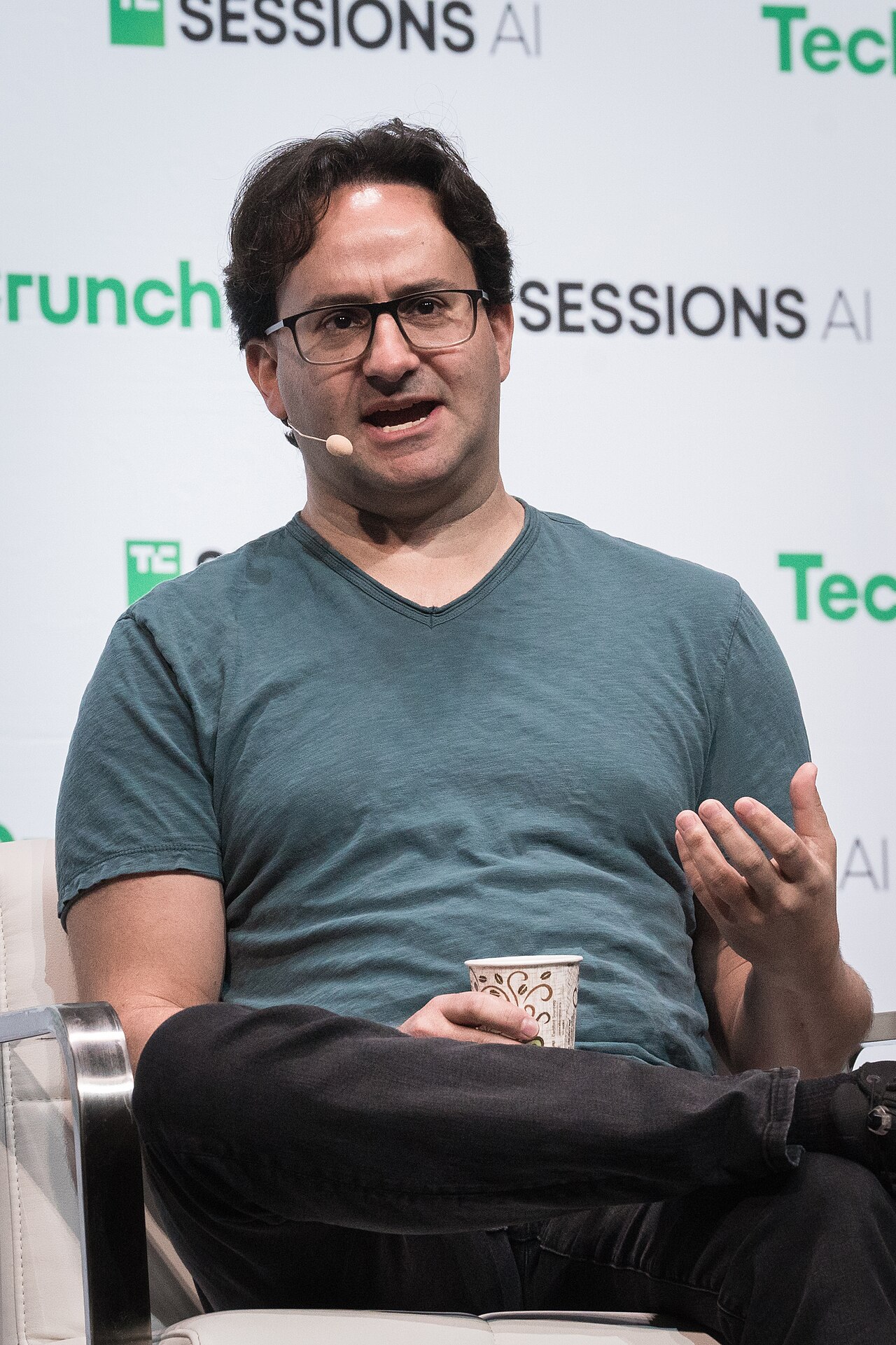
Header image: Jared Kaplan, Anthropic co-founder and Chief Science Officer, speaking at TechCrunch Sessions: AI in Berkeley, California, June 5, 2025. Photo by TechCrunch via Wikimedia Commons, licensed under CC BY 2.0. In-body photograph: a close-up of colorful source code on a computer screen, used to illustrate the kind of codebase the plugin scans, not a screenshot of any Anthropic product. Photo by Ilya Pavlov via Wikimedia Commons, released under CC0.