
On October 6, 2026, Anthropic announced Claude in Google Docs, Sheets and Slides, a sidebar that reads the file you have open and edits it in place. Anthropic's product announcement describes it as a public beta on all paid Claude plans, and 9to5Google's coverage dates the launch to the same day. It is the first time Anthropic's assistant has lived inside the document surfaces of Google's own productivity suite. This article covers what the add-on does, how it installs, what it is permitted to touch, how it sits next to Gemini and Anthropic's own Microsoft 365 add-ins, and what IT administrators should check before turning it on.
 AnthropicClaude
 Google
 Gemini
 Microsoft
What Claude for Google Workspace does in each app
According to the Claude Help Center article, Claude can read the open document, spreadsheet or deck, see which text, cells or slides are selected, and make changes directly in the file. Edits are visible in version history. Anthropic's announcement breaks the behavior down by app:
- Docs: fix sentences and restyle headings without disturbing surrounding formatting, and propose edits as suggestion cards in the sidebar.
- Sheets: write formulas, build pivot tables with native Sheets charts, add tabs, and run joins using Python.
- Slides: build new slides that match an existing deck's layouts and themes, and check for overlapping elements and readability problems.
The Help Center adds that users can enable the connectors their organization has already configured in Claude, and that the add-on uses the same skills and models as Claude.ai. A second, separate feature arrived at the same time: new Google Docs, Sheets and Slides connectors (beta) that let Claude create and edit Google files from a normal Claude conversation, using existing Google sharing permissions.
How the add-on installs and who can use it
Installation goes through the Google Workspace Marketplace. Per the Help Center, one install adds Claude to all three apps, and the user then opens any file and chooses Extensions, then Claude, then Open Claude. The user needs a Google account that is allowed to install Marketplace apps, and signs in with a Claude account in the sidebar. SSO is supported, and API keys are not.
On plans, the Help Center says the beta is available on Pro, Max, Team and Enterprise. Browser support is limited to Chrome, Edge and Safari, with Firefox excluded.
Claude in Google Workspace vs Claude in Microsoft 365
The same assistant arrives through two different platform channels, each with its own admin tooling.
| Attribute | Google Docs, Sheets, Slides | Excel, Word, PowerPoint |
|---|---|---|
| Where it installs from | Google Workspace Marketplace | Office add-in store (Insert > Add-ins) |
| Who can deploy it | Self-install, or admin install for a domain, group or org unit | Self-install, or admin deployment from the Microsoft Admin Center |
| Release stage (Oct 2026) | Public beta, all paid Claude plans | Reported generally available since May 2026 |
| File access | Only the single file that is open | Not compared here |
Sources: Claude Help Center and Anthropic (Oct 6, 2026); Microsoft 365 column from secondary coverage, which disagrees on exact date and plans.
The permission model: one file, two scopes
The permission design is the most useful detail for anyone evaluating risk. The Help Center says Claude requests two OAuth scopes: one to display the sidebar in Google apps, and one to "view and manage documents, spreadsheets, or presentations that this application has been installed in." In practice, FourWeekMBA reports that Google's enforced permissions mean Claude cannot open any other file.
That is narrower than the model behind most connectors, which request access to a whole Drive. It also means the add-on cannot read a different file you did not open, and the Help Center states it cannot share files or modify access. By contrast, the separate chat-side connectors work from Claude and, according to Anthropic, follow existing sharing permissions, so they have a different reach and should be reviewed separately.
View and manage documents, spreadsheets, or presentations that this application has been installed in.
The second of two OAuth scopes, per the Claude Help Center
Edits pass through an approval layer. Anthropic describes two modes: Ask Before Edits (the default), where each change needs approval via a summary card, and Accept All Edits, where Claude applies changes without stopping. FourWeekMBA adds that changes involving links, images, URLs or access permissions require approval regardless of the mode chosen. We could not confirm that last detail in Anthropic's own pages, so treat it as secondary reporting.
How an edit moves through the sidebar
The approval step is the main control a user has over what the assistant changes.
Sources: Anthropic product article and Claude Help Center (Oct 2026); FourWeekMBA.
Data handling and enterprise controls
The Help Center states that content sent to Claude is not used for model training, that Team and Enterprise plans fall under Commercial Terms while Pro and Max fall under consumer terms, and that standard retention is 30 days. Anthropic's announcement lists Compliance API integration, customer-managed encryption keys and OpenTelemetry audit export for Enterprise. FourWeekMBA reports that third-party inference platforms, Zero Data Retention and HIPAA coverage are not supported in the beta. Organizations with those requirements should confirm directly with Anthropic, because that list comes from a secondary source.
One operational limit is worth noting: the Help Center says sidebar operations are capped at six minutes and the sidebar must stay open while Claude works.
Claude vs Gemini in Workspace
Gemini has the structural advantage of being Google's own feature. 9to5Google notes that Gemini offers native integration in Workspace, so the Claude add-on is aimed at people who prefer Anthropic's assistant. On cost, secondary pricing guides such as eesel's Workspace pricing summary say Gemini is bundled into Business Standard and Plus plans with no separate add-on fee, which contrasts with Claude's requirement of a paid Claude plan. We did not verify Google's current pricing against Google's own pages, so check before budgeting.
The two also converge on customization. Our earlier piece on Gemini skills replacing Gems in Workspace explains that Google is adopting the open SKILL.md format Anthropic published, which makes reusable instructions more portable between the two assistants over time. Anthropic's Help Center says the add-on carries Claude's skills, so an organization that builds skills for one ecosystem may be able to reuse part of that work in the other. That is our inference from both vendors' documentation, not a tested claim.
Why model labs ship into incumbent suites
Anthropic is following a pattern that is not unique to it. Per secondary coverage (Pasquale Pillitteri and MindStudio), Claude add-ins for Excel, Word and PowerPoint reached general availability in May 2026, deployable through the Microsoft Admin Center; the two sources disagree on the exact date and plan details, so we have kept that comparison general. We also covered xAI's Grok add-ins for Microsoft 365, which used the same add-in route.
Our analysis of why this happens: users already keep their files in these suites, so an add-on reaches them without asking anyone to migrate. The platform's own add-in channel supplies installation, sign-in and an admin console. The lab, in turn, collects usage on its own subscription, and the model choice stays with the user rather than the suite owner. Anthropic is also building its own documents. AI Chief reports Claude Docs and Slides, which Anthropic launched in beta in September, so the company is pursuing both strategies at once: live inside incumbent files and offer native ones.
What IT administrators should check
These points are our synthesis of the documentation, not Anthropic guidance.
- Decide the install path. The Help Center says admins can allowlist the app or install it for the domain. FourWeekMBA reports super admins can target domains, groups or organizational units, which suits a pilot group.
- Review both scopes and both products. The add-on is limited to the open file. The chat-side connectors follow sharing permissions. They are different risk surfaces.
- Match the plan to the data terms. Consumer and commercial terms differ by Claude plan, so personal Pro accounts signing in on work files deserve a policy decision.
- Check compliance gaps. If Zero Data Retention or HIPAA coverage is required, verify the beta's status first.
- Set the editing default. Ask Before Edits is the default; deciding whether users may switch to Accept All Edits is a governance choice, and version history is the safety net.
For teams that want one workspace across several models rather than a sidebar per vendor, model-agnostic tools such as Metir are one alternative, though the right fit depends on where your files live.
What to watch next
Three things will clarify the picture: whether the beta moves to general availability and when, whether the unsupported enterprise features land, and whether Google changes how third-party add-ons are surfaced next to Gemini. Early user reports on the six-minute limit and large-file behavior will also show how far in-place editing scales beyond short documents.
Sources:
- Claude now works with Google Docs, Sheets, and Slides (Anthropic)
- Use Claude in Google Docs, Sheets, and Slides (Claude Help Center)
- Claude launches Google Docs, Sheets, and Slides integration (9to5Google)
- Claude Enters Google Docs, Sheets and Slides in Public Beta (FourWeekMBA)
- New Claude Docs and Slides aim to rival Google's Gemini (AI Chief)
- Claude for Microsoft Office (MindStudio)
- Claude for Microsoft 365 GA (Pasquale Pillitteri)
- Gemini Workspace pricing 2026 (eesel)
Image credits
- Hero: Google logo on a Googleplex building, Mountain View. Photo by Asoundd, Wikimedia Commons, CC BY-SA 4.0.
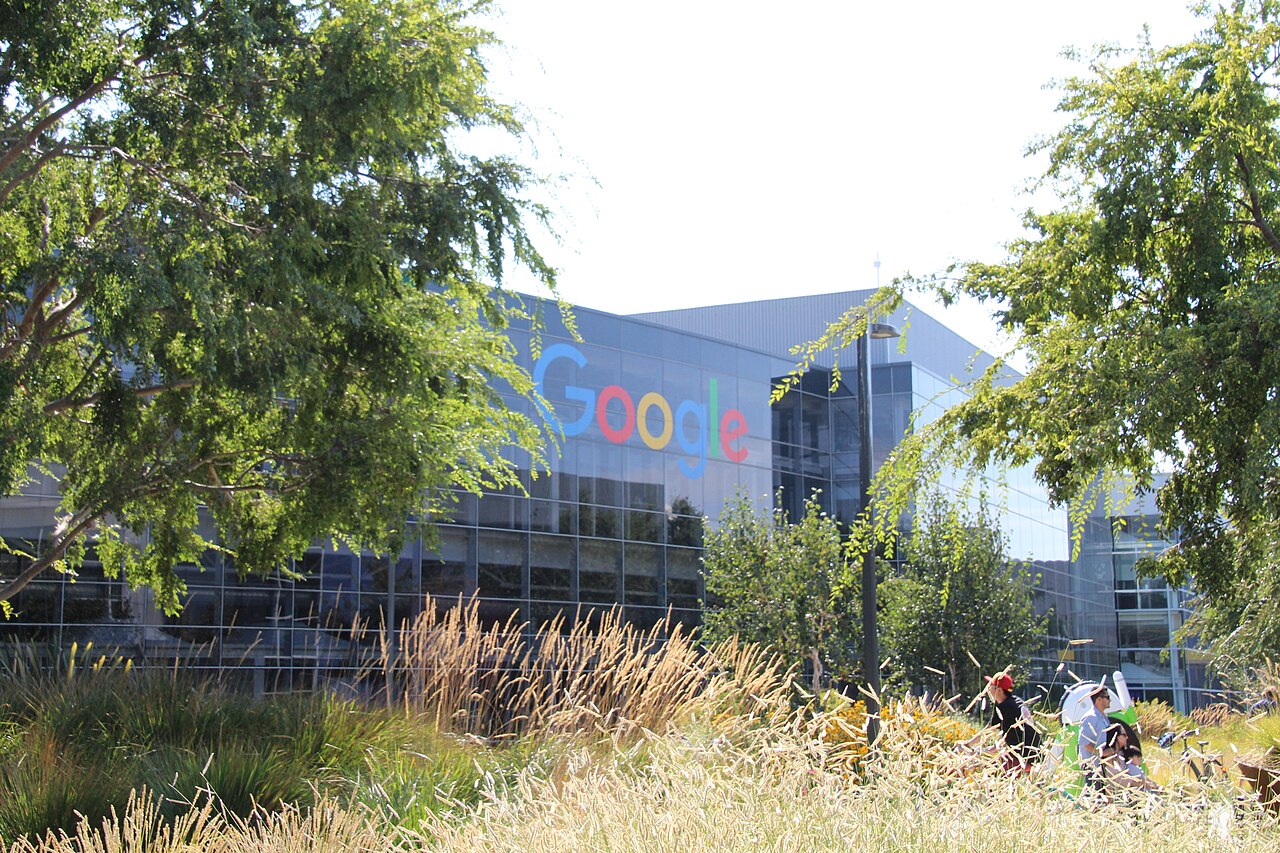
- Body: Googleplex building in Mountain View, California. Photo by David Nagle, Wikimedia Commons, CC BY-SA 4.0.