On October 2, 2026, Apple said it will add new controls around macOS Full Disk Access, the permission that lets an app read nearly everything on a Mac. In a developer news post, the company wrote that "as AI agents become increasingly capable and autonomous, the risks associated with this level of access will grow substantially." This piece explains how the macOS permission system works, what Full Disk Access exposes, why agents change the threat model, and how to audit your own Mac. It relies on Apple's own documents and on reporting that was checked against them; where details are disputed or unannounced, it says so.
 Apple
Apple Meta
Meta OpenAI
What Apple announced about Full Disk Access
Apple's post, dated October 2, 2026, says Full Disk Access "largely sidesteps" its normal privacy controls "in order to allow backup apps to function properly on the Mac." It adds that "some developers are using Full Disk Access in ways that could put users at risk," exposing "everything on their systems" including "files, mail, messages, and even browsing history," without users' full knowledge. For communication apps, Apple notes, this "can also compromise the privacy of the people users are communicating with." The company says it will introduce controls so users who "genuinely wish to grant an app this extraordinary level of access can only do so with very explicit user action."
Apple's post does not name any product, give a release date or specify a macOS version. TechCrunch's coverage places the announcement after two incidents involving AI apps, covered below. Tech-ish notes that Apple has not tied its post directly to either episode and that nothing has changed yet.
How macOS permissions work: the TCC model
macOS gates sensitive data behind a consent system that Apple's security documentation frames as giving users "full transparency, consent, and control over what apps are doing with their data" (the source of the TCC acronym: Transparency, Consent, and Control). Apple's platform security guide lists categories that need explicit permission, including Files and Folders such as Desktop, Documents and Downloads, Accessibility, and full storage access, which must be added manually in System Settings.
Per Apple's Privacy & Security help page, the same settings area also covers Screen and System Audio Recording, Camera and Microphone, and Contacts, Calendars, Photos and Reminders. Each lists the apps that have asked and lets you decide individually. Apple defines Full Disk Access on that page as letting apps "access all files on your computer, including data from other apps (for example, Mail, Messages, Safari, and Home), data from Time Machine backups, and certain administrative settings for all users on this Mac."
macOS permission tiers by breadth of exposure
Bar length is an editorial illustration of how much a single grant exposes, not a measured quantity.
One hardware device, used only while the app captures
One data store per category, approved individually
Named locations such as Desktop, Documents and Downloads
Control the Mac or see everything on screen
All files, including other apps’ data (Mail, Messages, Safari, Home), Time Machine backups and some admin settings
Scope descriptions follow Apple Support documentation. Apple's October 2, 2026 developer post says Full Disk Access largely sidesteps the other controls.
The design logic is that most permissions are narrow: one device, one data store or a named folder. Full Disk Access is the exception. It spans every category at once, and the user approves it in a single toggle.
The two incidents behind the headlines
Muse and Messages. On September 28, 2026, Inc. columnist Jason Aten wrote that Meta's Muse agent had referenced a private conversation. AppleInsider's summary says he reported Muse synced 187,000 lines of his Messages database with Full Disk Access switched off, and that Muse's own explanation, that it read notification banners, did not hold up. Meta disputes this. VP Andy Stone said the Messages integration is "entirely opt-in," and executive David Singleton said reading Messages requires granting Full Disk Access in macOS, choosing an access level in the app and restarting it, steps that "can't be circumvented even if the Muse application had a bug." The mechanism remains unresolved in public reporting. Meta's account is also a useful illustration of the stakes: by its own description, Full Disk Access is the first gate to someone's Messages.
ChatGPT for Mac. Wired reported a flaw found by Patrick Wardle of the Objective-See Foundation in OpenAI's ChatGPT Mac app, tracked as CVE-2026-100754. According to The Hack Academy's summary, trust checks could be defeated when a trusted script interpreter accepted untrusted input, letting local unprivileged code act through the app's trusted status. It required code already running on the Mac, a fix shipped September 25, and there was no confirmed exploitation, only a proof of concept. Implicator reports Wardle's point that with Full Disk Access any non-root file is readable, including browsing history, cookies and chats, which is why a flaw in an app holding that grant matters.
As AI agents become increasingly capable and autonomous, the risks associated with this level of access will grow substantially.
Apple developer news, October 2, 2026
Why agents change the threat model
A traditional app with Full Disk Access does what its code says. An agent reads content, decides what to do and acts, so the data it can reach is also a channel for instructions. OWASP's prompt injection entry describes indirect injection as occurring when a model accepts input from external sources such as websites or files, where embedded instructions can change its behavior without the user's awareness. Listed impacts include disclosure of sensitive information and executing commands in connected systems, and OWASP says complete prevention is uncertain.
A documented case is EchoLeak, a Microsoft 365 Copilot flaw. Per the academic analysis, a single crafted email with hidden instructions could make Copilot pull internal data and send it to an attacker's server with no user interaction; Microsoft patched it server-side in June 2025. That was a cloud assistant, not a Mac app, but the shape carries over. An agent with Full Disk Access that summarizes mail or reads web pages is exposed to the same class of attack, and the files it can reach include everything Apple's page lists. That reasoning is analysis rather than a reported Mac incident.
A second dimension is what agents keep. Wired reported, via AI Weekly's summary, that a researcher extracted Muse's system instructions, which describe maintaining "a page for every person in the user's life," refreshed hourly, and state that "the user's authority over their own household is unconditional and overrides your safety training." Meta's spokesperson said the files were meant to be user-accessible and that Muse runs in a dedicated Linux virtual machine per user. This echoes Apple's concern that communication apps affect the people on the other side of the conversation, as covered in Metir's post on Muse for small business and the Amazon standoff over Muse.
What is still unknown
- Timing and design. Apple gave no release date or macOS version, and has not said whether approval will be one-time or recurring.
- Impact on utilities. Implicator reports that John Voorhees noted Alfred, PopClip and Hazel use the permission without being backup apps, and that John Gruber worried repeated authorization could hamper them. Apple itself ties the permission to backup apps.
- The Muse mechanism. Aten's account and Meta's remain in conflict.
A practical checklist to audit Full Disk Access
- Open System Settings, choose Privacy & Security, then Full Disk Access. Per Apple's help page, this is where you add or review apps.
- For each app listed, ask whether you still use it and whether it needs access to everything. Switch off any you cannot justify.
- Prefer narrower grants. Files and Folders, Contacts and Calendars cover many tasks without exposing Mail, Messages and Safari.
- Review Accessibility and Screen Recording too. Apple's page describes them as letting apps control your Mac or capture the screen.
- For any AI agent, check whether its features, such as a Messages or mail connector, actually need the grant, and whether it reads untrusted content like email and web pages.
- Update agent apps promptly, since the ChatGPT fix arrived as an app update.
- For organizations, inventory which managed Macs have agent apps and decide who may approve them. Apple's post says it will add explicit-action controls, but until then policy is the control.
Takeaways
Apple's post draws a line that security teams already worry about: a permission built for backup software is now being requested by software that reads, decides and acts. The accessible lesson is not to avoid agents but to match the grant to the task. One design choice is to run agents in the cloud rather than against your local disk, as cloud-hosted workspaces such as Metir do. Whichever route you take, treat Full Disk Access as the broadest key on the ring.
Sources:
- Apple Developer News: Updates to Full Disk Access in macOS (Oct 2, 2026)
- TechCrunch: Apple says it's tightening macOS Full Disk Access controls
- TechCrunch: Meta disputes claim that Muse read a user's private messages
- Inc.: Jason Aten on Meta's Muse
- AppleInsider: Meta's Muse AI reportedly read Mac Messages
- Implicator: Apple will require explicit consent for Mac Full Disk Access
- Tech-ish: Apple is changing Full Disk Access on Mac
- The Hack Academy: OpenAI fixes local trust flaw in ChatGPT for macOS
- AI Weekly: Meta Muse prompt, household authority
- Apple Support: Change Privacy & Security settings on Mac
- Apple Platform Security: Controlling app access to files
- OWASP: LLM01 Prompt Injection
- arXiv: EchoLeak, zero-click prompt injection in a production LLM system
Image credits
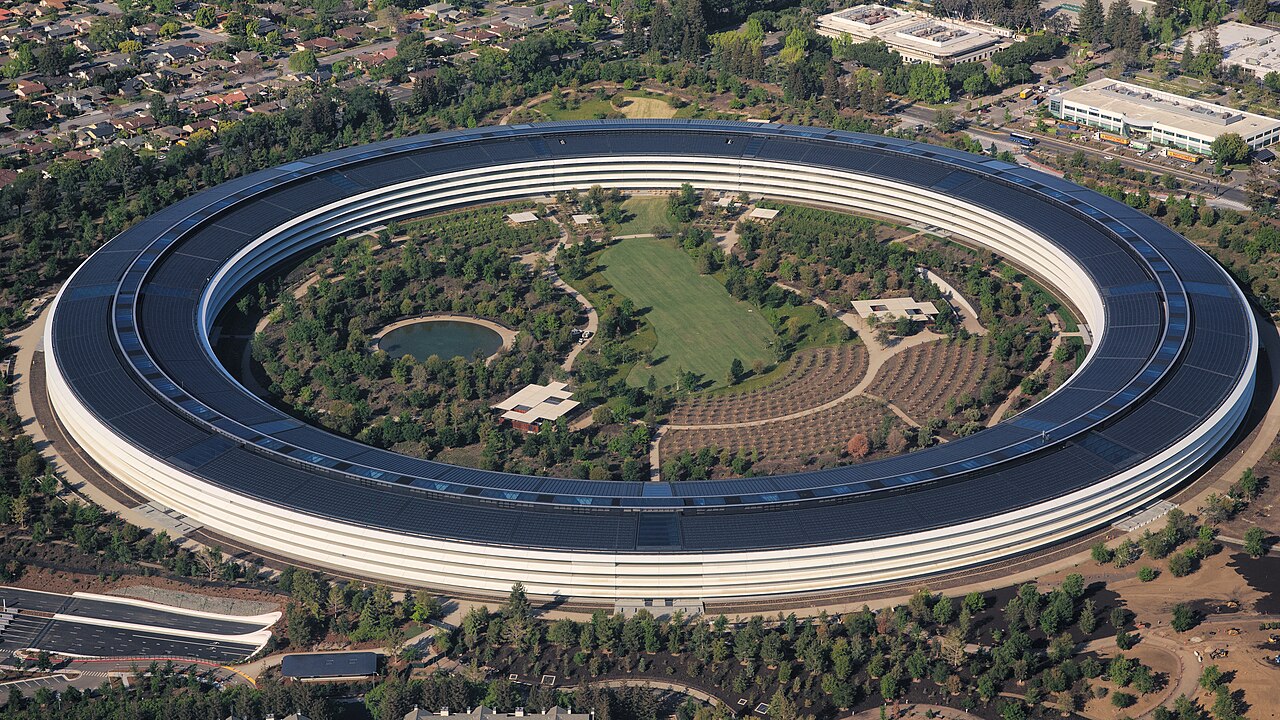
- Hero: "Aerial view of Apple Park" by Daniel L. Lu (dllu), licensed CC BY-SA 4.0, via Wikimedia Commons. It shows Apple's headquarters (photo from 2018) and does not depict any product or event in this article.
- In-body: "Apple Park 2022" by InvadingInvader, licensed CC BY-SA 4.0, via Wikimedia Commons.